Turning an abstract class into a working parser
PyDA was our final project for Teori Bahasa Formal dan Otomata. The assignment required us to build an HTML parser using a pushdown automaton, turning ideas that had felt highly abstract in class into a program that could accept or reject real input.
The name was simple: Python plus PDA. The implementation was anything but simple.
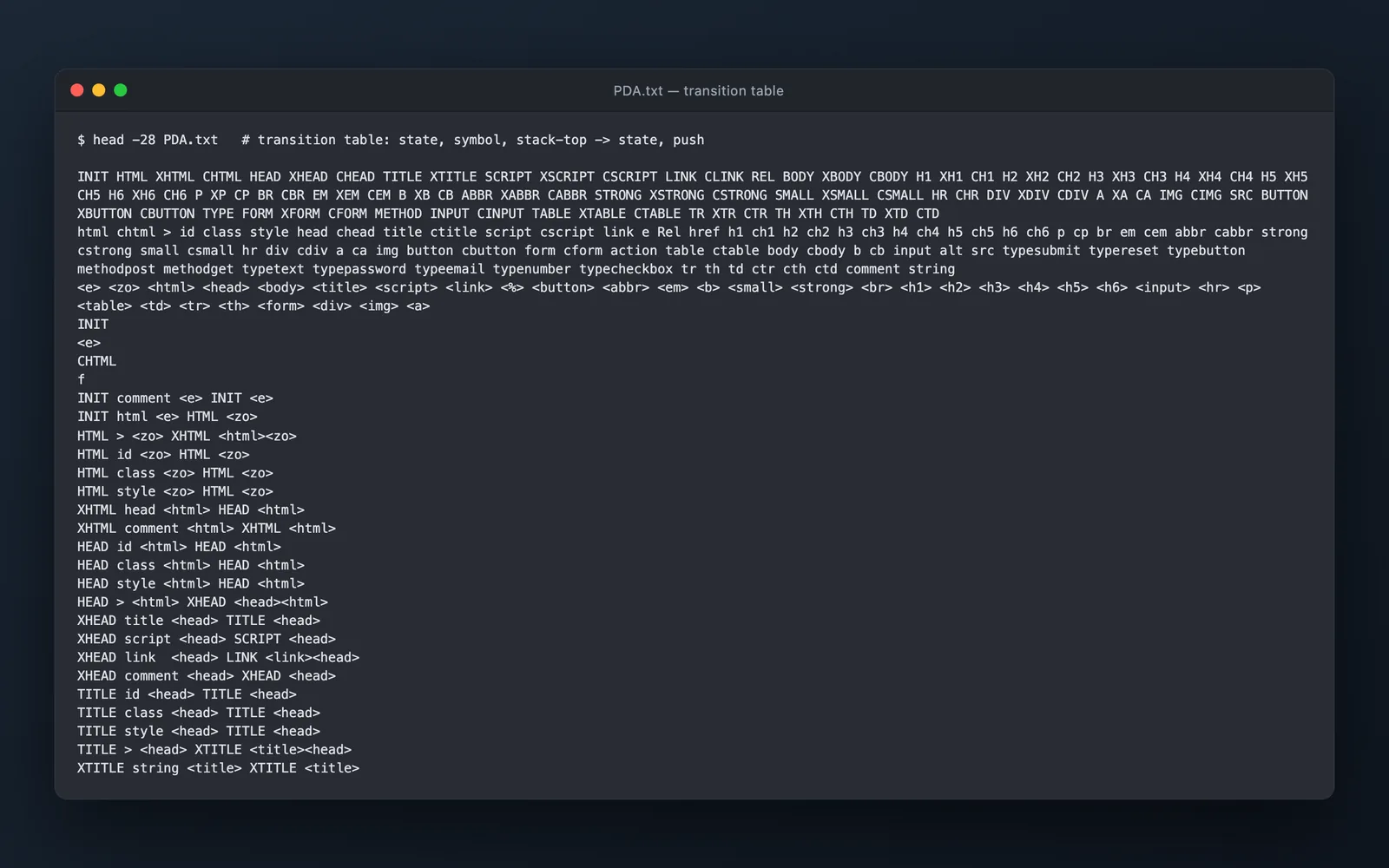
The final state-machine diagram stretched across an intimidating number of states and paths. Its text representation contained 564 allowed transitions, each describing where the automaton could move for a particular input and stack condition.
We created those rules manually as a team of three. I wrote most of the code, while all three of us spent a great deal of time discussing the abstraction and deciding which rules the parser needed. Debugging often ended with the same thought: just one more transition. Then another missing case appeared, and the table kept growing.
Why HTML needs a stack
Managing the stack was the hardest technical part. HTML is nested, so recognizing a tag is not enough. The parser also has to remember which elements are still open and verify that closing tags return through the structure in the correct order.
I was learning stacks in my algorithms and data structures class at around the same time. Using one inside a pushdown automaton made the concept much more concrete: the stack was not an isolated data structure exercise. It was the memory that allowed the parser to validate nested structure.
The assignment required the automaton to be described separately from the Python simulator. That meant the states, alphabets, stack behavior, and hundreds of transitions lived in data instead of being hidden inside conditionals.
It was a powerful abstraction, but constructing it was exhausting. One incorrect or missing transition could reject valid HTML and send us back through a long chain of states. The debugging was devastating at times, but it was also challenging in a way that kept pulling us toward the next rule.
When ordinary HTML finally worked
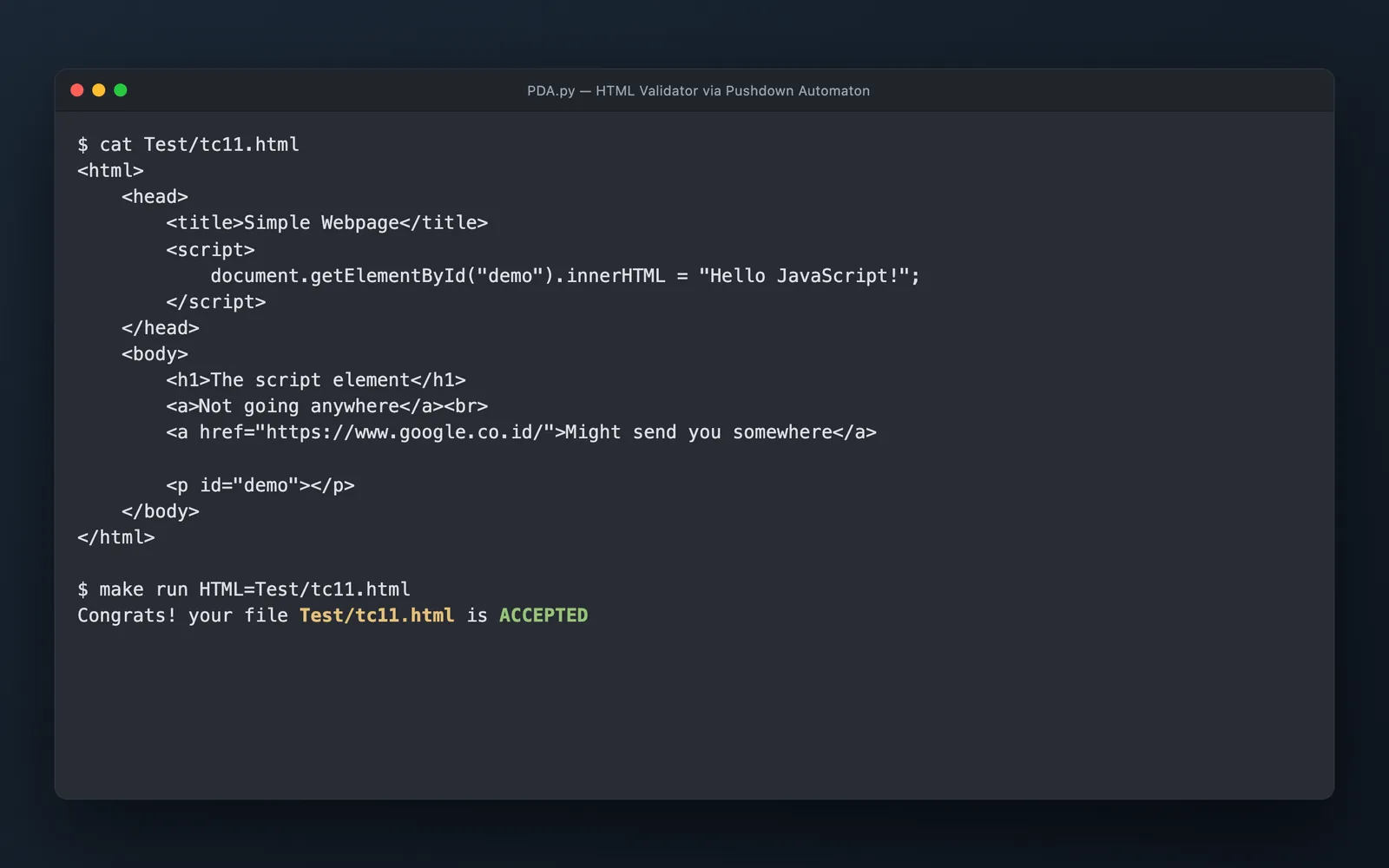
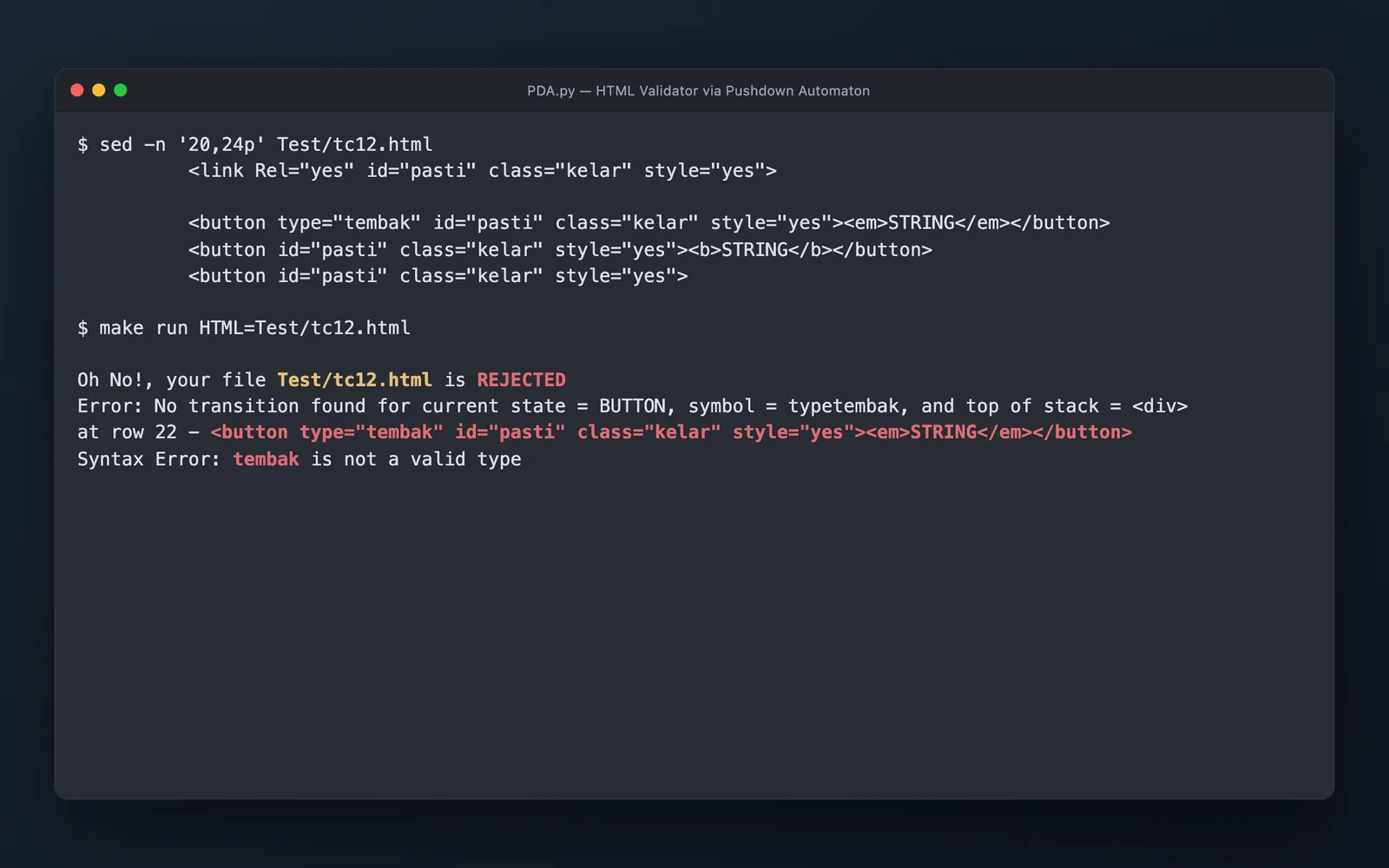
The satisfying moment came when we gave the parser a normal HTML page and it accepted it. We could then disturb the structure by changing a closing tag, an attribute type, or another small detail and watch the same parser reject it.
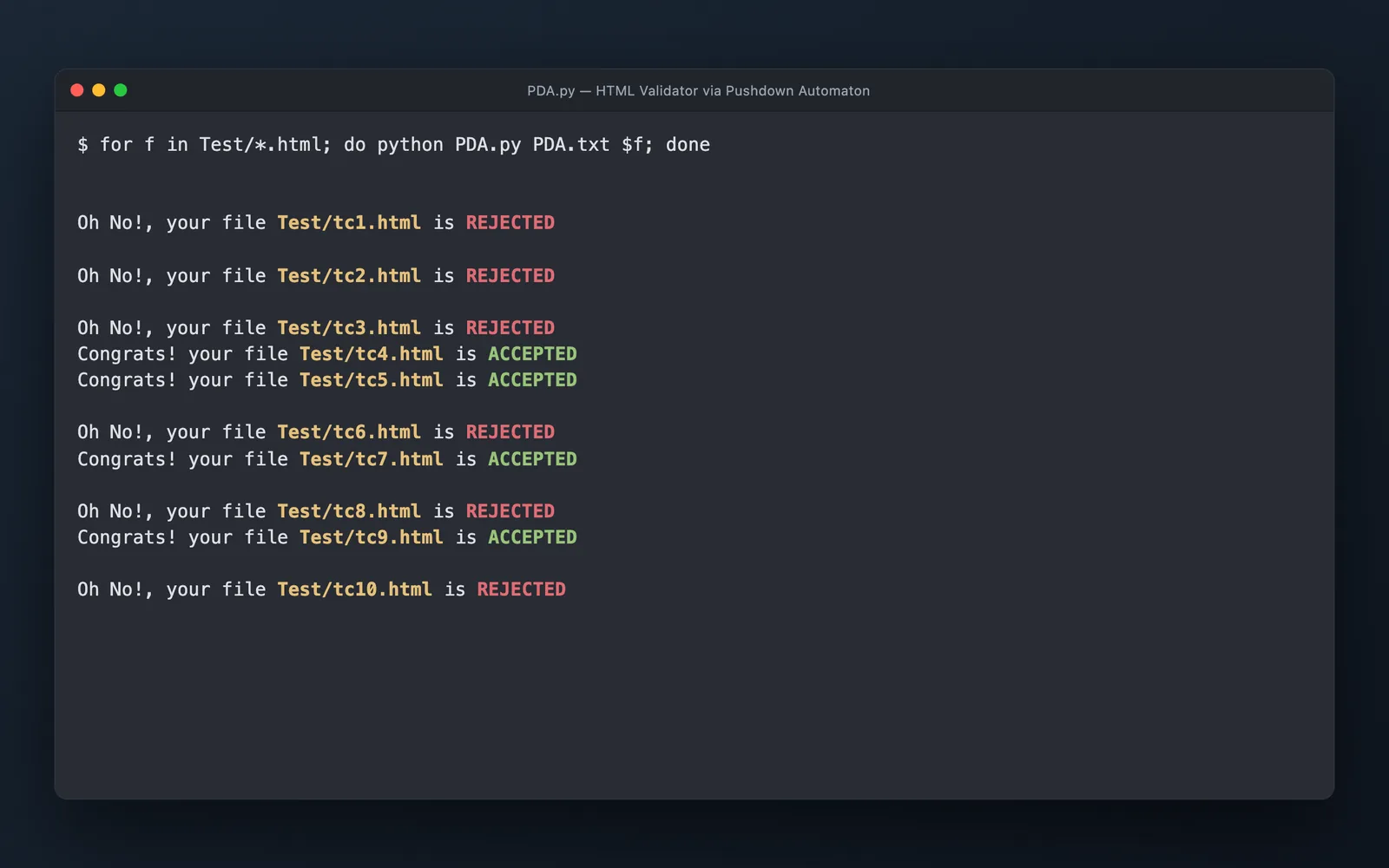
When the course assistant tested our program, it passed every required test case. After manually reasoning through hundreds of possible transitions, seeing the automaton distinguish valid and invalid documents felt like proof that the whole state machine was finally connected.
I no longer remember every formal detail from the class, but one idea stayed with me. A program or process can be understood as a collection of states with formal rules describing which states are reachable from others.
That perspective gives structure to something that might otherwise become a large collection of special cases. It taught me to ask where a system is now, what information it needs to remember, and which transitions should actually be allowed.
I would like to rebuild PyDA as an interactive web visualization. A reader could paste in HTML, move through one token at a time, and watch the current state and stack change together.
The original terminal program proved that the automaton worked. A visual version could make the same abstract theory understandable without first staring at a diagram containing hundreds of arrows.
What stayed with me
- “Just one more transition” can become 564 rules.
- A stack gives nested structure a memory.
- Abstract theory becomes clearer when it accepts or rejects real input.
- Programs can be understood as states and the paths allowed between them.
Run it locally
Clone the source repository or download the project ZIP, then run these commands from the project folder.
Explore the complete project
Download the source, assets, and included documentation as a ZIP archive.
Run
$ make run

# checks Test/tc11.html by default; pass another case with:
$ make run HTML=Test/tc12.html

# a rejected file reports the state, symbol and stack top at the failure