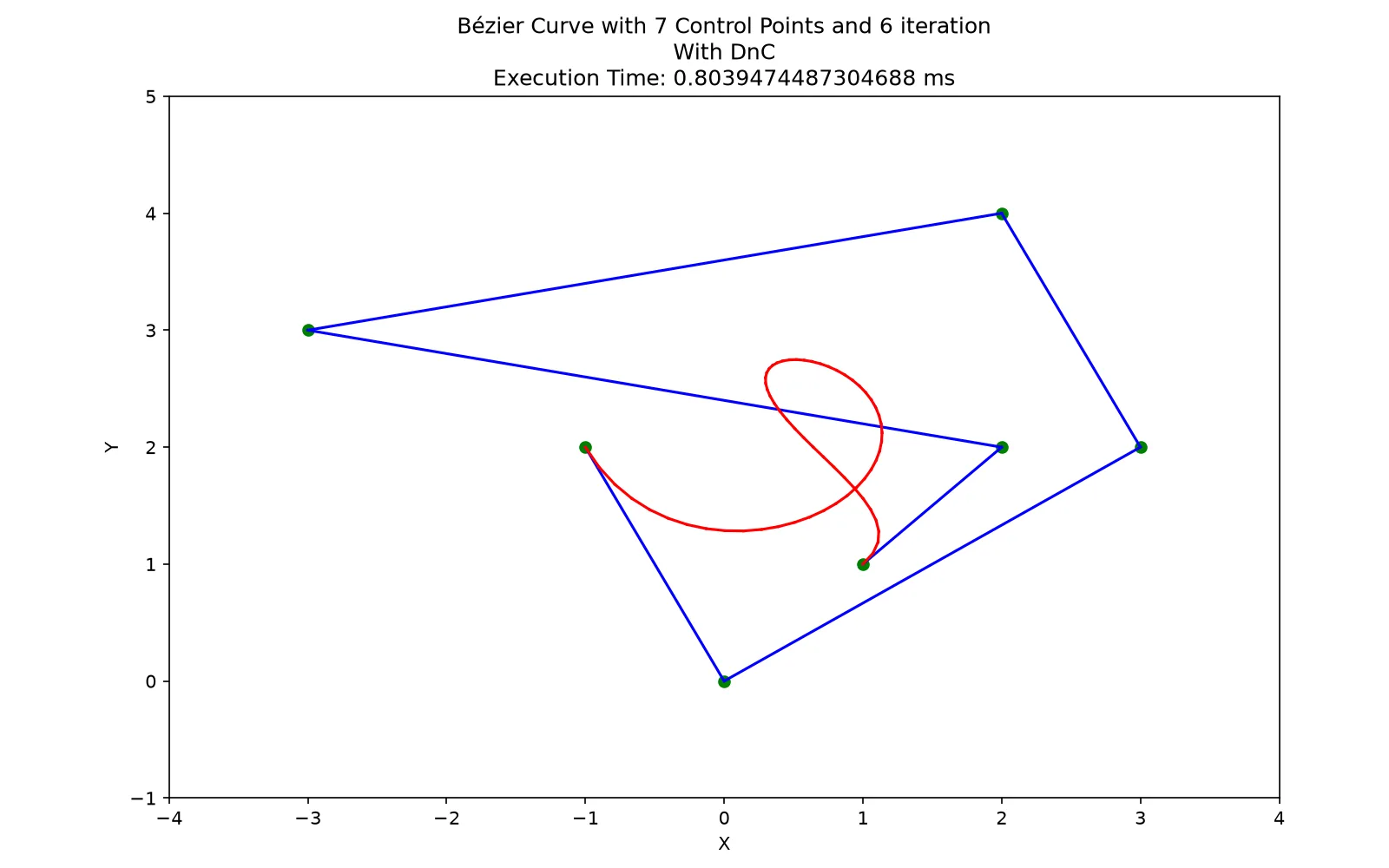
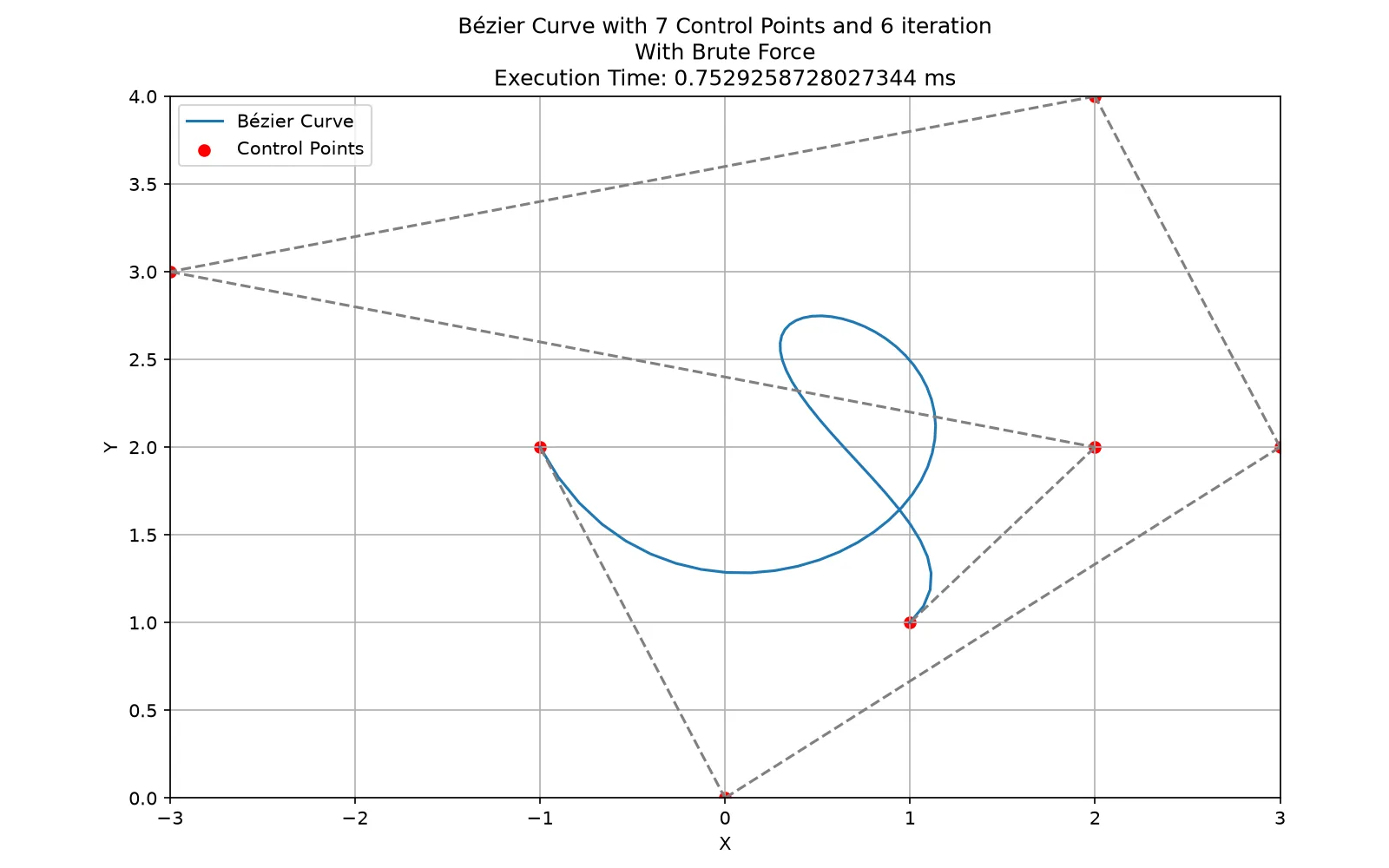
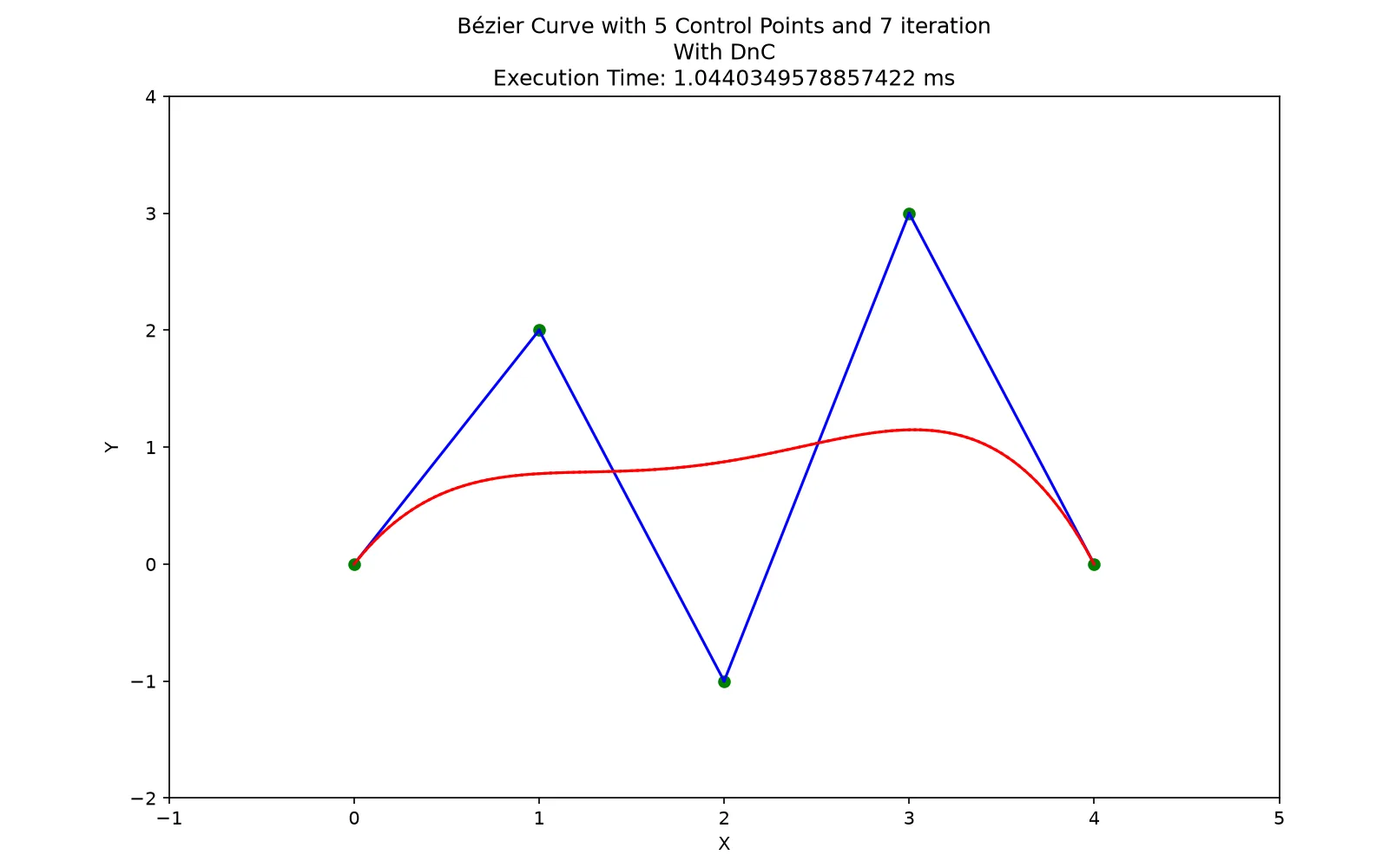
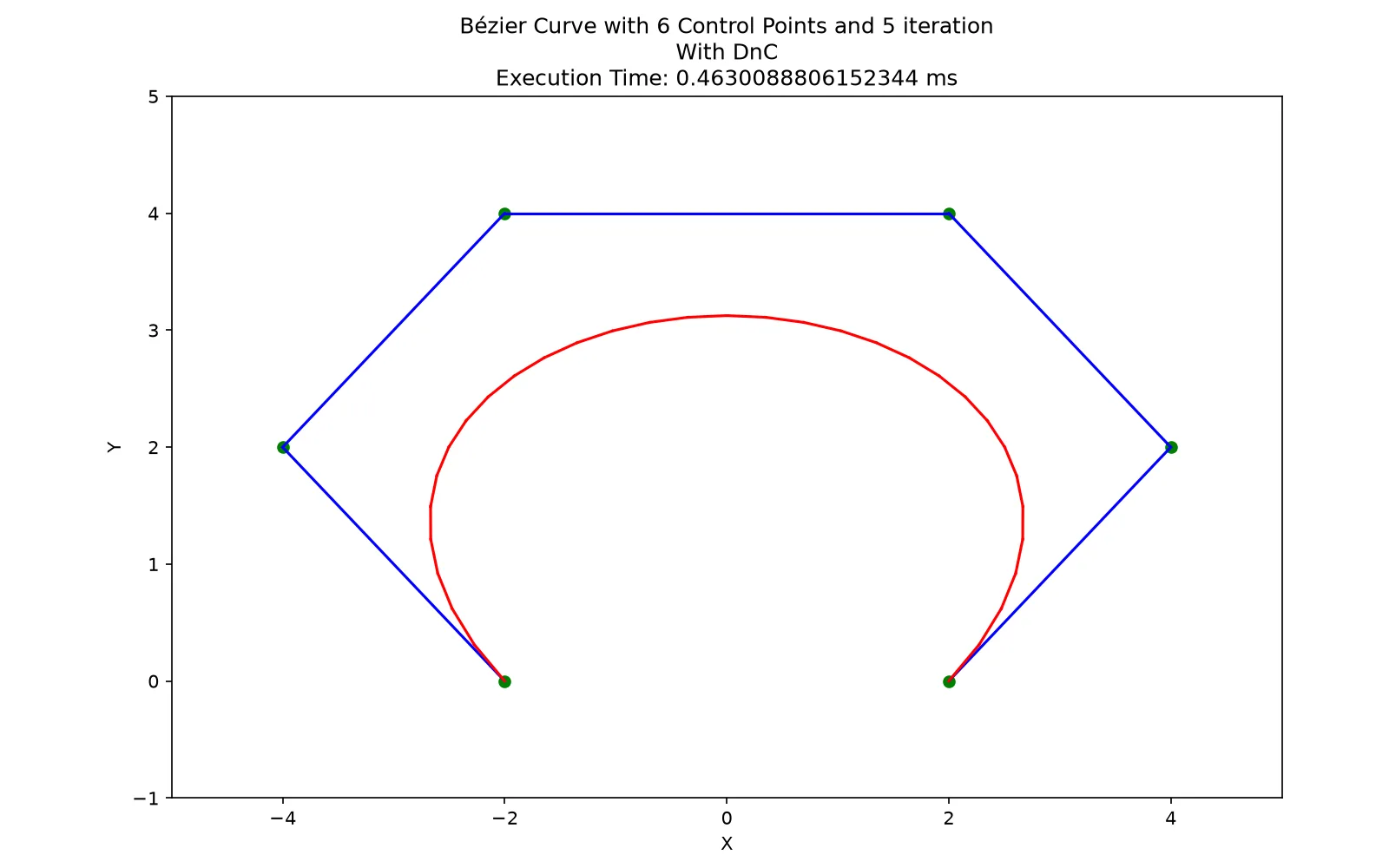
Starting with no knowledge of Bézier curves
I began this project without knowing what a Bézier curve was. Researching the mathematics showed me that these curves sit behind many of the drawing and design tools we use without thinking about what happens underneath.
That made the assignment feel eye-opening from the beginning. A familiar visual shape was really the result of control points, polynomial evaluation, and repeated interpolation.
The goal was not simply to implement divide and conquer. The assignment was designed to show that it does not always beat brute force.
I still entered with the assumption that brute force would naturally be worse. Divide and conquer sounded more sophisticated, so I expected it to be faster. The measurements forced me to replace that assumption with evidence.
My partner and I pair programmed the project on the same screen. Instead of separating the code into isolated pieces, we worked through the mathematics, recursion, and visualization together.
The mathematics was the hardest part because neither the curve nor its construction was familiar to me. Once we understood de Casteljau’s method, the recursive implementation became easier to reason about: construct the midpoint triangle, split it into two smaller control polygons, and repeat.
The hidden cost of being clever
Brute force evaluated the Bernstein polynomial at each sampled value. Its work grew linearly with the number of control points for every sample.
Our divide-and-conquer method built an entire midpoint triangle at every recursive node. That extra structure made each split quadratic in the number of control points. It could win through smaller constant costs on simple curves, but as the degree grew, those hidden costs became impossible to ignore.
The optional step-by-step animation made the construction visible, but it also exposed plenty of bugs. Incorrect midpoint handling and recursion could produce strange shapes that looked nothing like the curve we expected.
After so many malformed intermediate results, seeing the final curve appear correctly was the moment I knew we had done it. The visualization was more than a bonus feature. It made both the algorithm and its mistakes tangible.
Sometimes simpler really is better
I would turn the comparison into an interactive web demonstration with draggable control points, adjustable recursion depth, and both algorithms running side by side. That would let someone experience the crossover instead of only reading a timing table.
I would also strengthen the measurements with repeated runs and more precise timing. Since the project’s lesson depends on performance, the experiment should be as careful as the algorithms it compares.
This project changed how I react to algorithms that sound clever. A sophisticated strategy may hide additional work in its recursion, data structures, or setup. Its name does not guarantee that it fits every input.
The better question is not whether an algorithm belongs to a smarter category. It is what work the algorithm actually performs, when that work pays off, and when the simpler approach is enough.
What stayed with me
- Clever algorithms can carry hidden costs.
- Divide and conquer does not automatically conquer.
- A name is not a performance result.
- Sometimes the simpler approach really is better.
Run it locally
Clone the source repository or download the project ZIP, then run these commands from the project folder.
Explore the complete project
Download the source, assets, and included documentation as a ZIP archive.
Setup
$ cd src
$ python3 -m venv .venv && source .venv/bin/activate
$ pip install numpy matplotlib
Run
$ python main.py

# prompts: 1 brute force or 2 divide and conquer, then a file from
# test/input such as tes4.txt, then an iteration count such as 6.
# Run it from src/ — the input path is relative.